Lolly for Operators
A defence-in-depth security & intelligence strategy - that just happens to be a creative production platform
The zero-trust organizational immune system that wraps around what you already do - so the routine creative work your teams need every day happens inside your perimeter instead of leaking out of it.
What's in it for you. You get to be the person who said yes to something both safe and popular. You close an exfiltration hole, gain capability, and delete a request queue in one move - the rare security win that makes you more liked, not less. No 3am call from legal because embargoed files or customer data found their way into a random web tool; fewer SaaS vendors, contracts, and audits on your plate; and a fully reproducible audit trail you can point to when someone asks. You sleep better, and brighten a few days doing it.
Lolly is no second-class creative tool: it puts production-quality output in everyone's hands, and the brand-guided creation experience is second to none. The reason it is safe to hand out widely is architectural: nothing uploads that you didn't put there, every result is reproducible, and every export can carry multiple layers of industry-leading cryptographic records. No matter how a document reached your desk, you can see its full provenance, whether it has been tampered with, and whether you can recreate it pixel-perfect.
Where it stands today. Lolly's security properties are strong by design, and its cryptography and file-parsing engines are going through SUSE's enterprise-grade infrastructure hardening. The seals, on-device signing, and encryption below are real and defensible now, and maturing toward independent certification - so where a contract calls for certified assurance, deploy them as defence-in-depth while that process completes.
The strategic advantage
The usual way routine creative work gets done is a liability surface: files emailed to external design contractors, brand assets uploaded to a dozen SaaS editors, customer data pasted into a stranger's web tool to "just make a quick graphic." Every one of those is data leaving your control.
Lolly inverts it. The work that drove those leaks - the quote card, the localized banner, the event badge, the redacted screenshot - now happens on a tool that runs on the employee's own device, against your brand, with no server in the loop. You didn't add a control on top of a risky workflow; you replaced the risky workflow with one that has no exfiltration path to begin with.
- Configuration is yours. The engine and shells are open source (MPL-2.0). Overlay your own auth, telemetry, or CA; host it or don't; you hold full feature and cost control, git-tracked, not locked in a SaaS database.
- Governance can be data, not a dashboard. When you want that control, manage the tool catalog as a Git repository - pull-request review becomes brand approval, with a full audit trail and instant rollback of every template your workforce can touch. It's an option, not an obligation: teams that just want to make things author their own tools in Layout Studio and ingest their own files into the catalogue, entirely in-app, and never touch git. See Adoption & Governance.
- Guard-rails are structural. Brand constraints are hard-coded into templates, not published as guidelines people can ignore. The wrong output isn't discouraged - it's unrepresentable.
You govern the whole relay. A creative authors the rules and a developer scales them, but it's the operator who makes that lifecycle safe to run org-wide - the same tool that lets a rep self-serve on a plane is one you can gate through Git review, deploy through your MDM and verify cryptographically. See how the roles compound in The lifecycle of a campaign, and how you govern it in Adoption & Governance.
Delete the request queue while proliferating content.
One goal of Lolly is design-request deflection: routine requests that never need to reach a designer because the person who needed the asset made it themselves, correctly, in minutes. Every deflected ticket is both a productivity win and one fewer file changing hands.
Lolly is built to fit how your organisation actually operates - there's no single right way to deploy it:
- Deploy, don't serve. Ship Lolly to devices through your existing MDM (Intune, Jamf, Munki…). It runs locally as a desktop/mobile app or an offline PWA - works behind any firewall, in any air-gapped environment, with no server to maintain and IT in control of the update cadence.
- Serve only. Run one instance inside your network (or behind a VPN); users reach it in a browser, nothing installed. Publish a tool once, everyone has it immediately; pair with your IdP for access control.
- Hybrid. Local apps for offline field work, an always-current browser version for borrowed machines - both pointed at the same tool library.
The full deploy models and administration walkthrough live in Deployment and Configuration.
Anti-exfiltration utilities
A category of Lolly tools - the privacy utilities - exists specifically to keep files inside the perimeter.
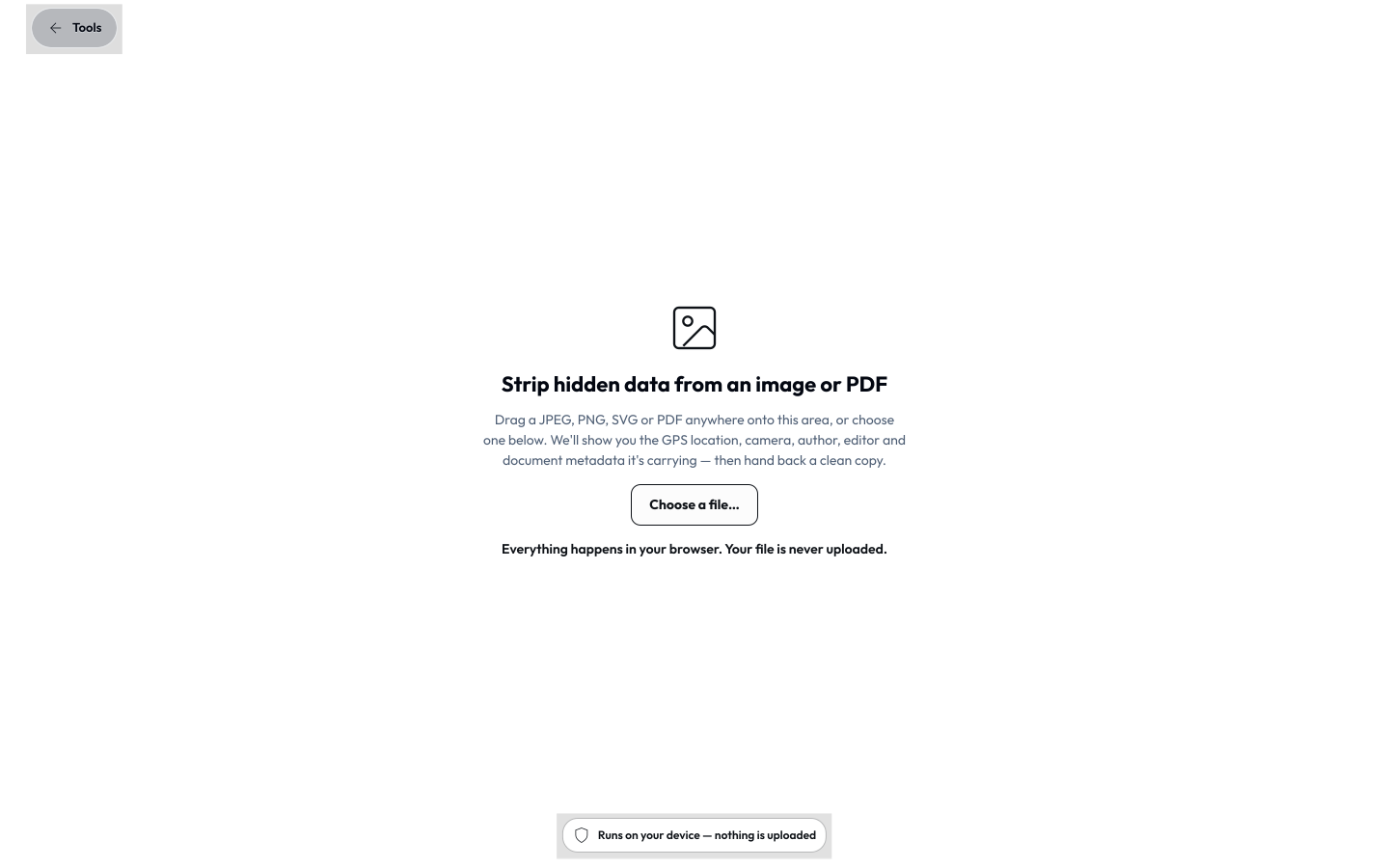
- Strip hidden data
Remove location and all hidden identifying information from documents and media files.
- Text Helper
Anonymize, encode, format, and manipulate structured and unstructured text.
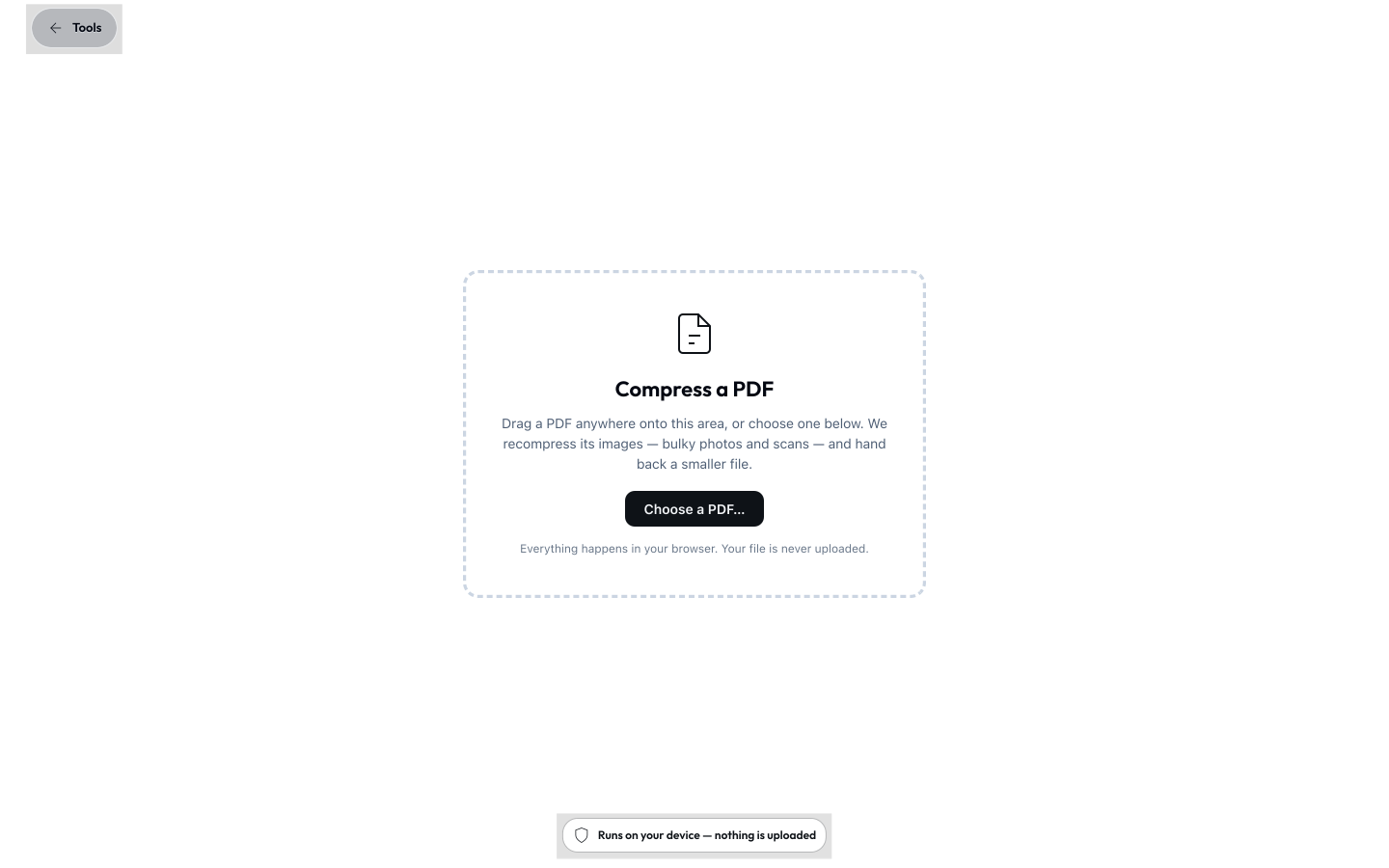
- Compress PDF
Shrink an oversized PDF on-device, so nobody reaches for a third-party "compress my PDF" website the moment a file is too big to email - which is exactly where data slips out the window.
All of these are on-device transforms: your file or data goes in, cleaned bytes come out, and there is no server to upload to. They are the deliberate opposite of the typical "upload your file to a stranger's website to clean it" tool that a well-meaning employee reaches for otherwise.
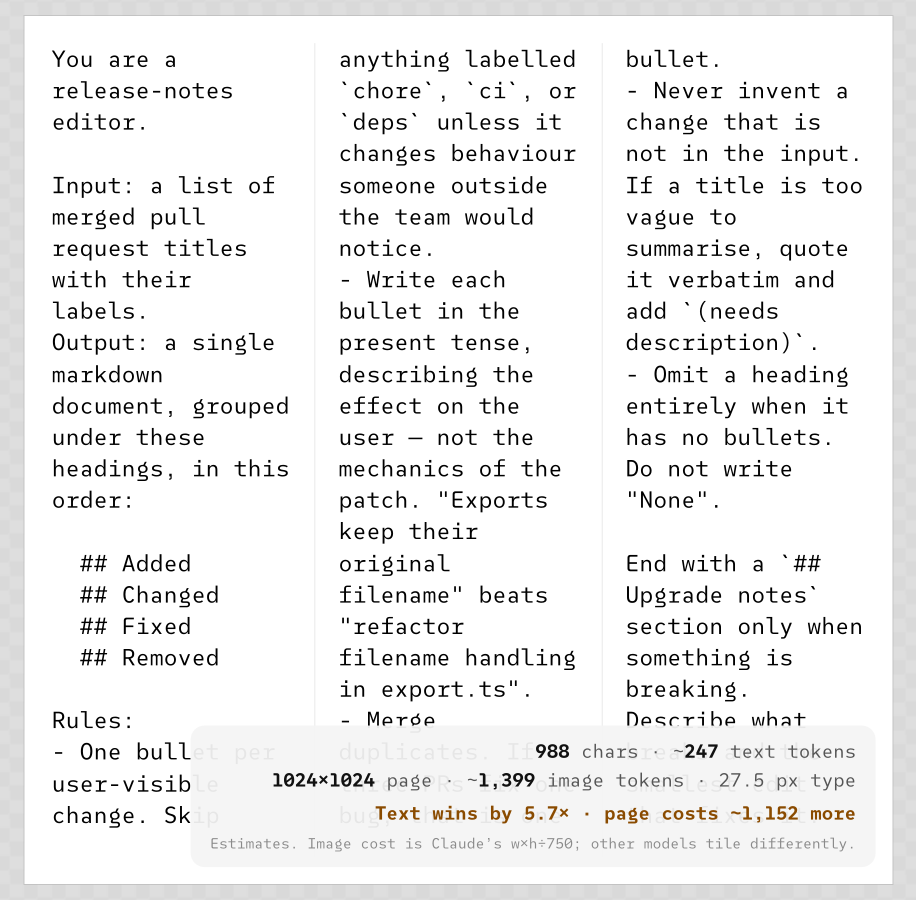
Text Helper is the same bargain for text rather than files. It is the tabbed workbench an employee would otherwise go looking for on a stranger's site, and it declares no inputs at all because nothing it touches ever leaves the page.

Compress PDF completes the set: the oversized attachment shrinks under a quality setting you choose, on the machine that already holds it.
Determinism & reproducibility
Every tool input is expressible as a URL parameter, and the same inputs produce the same file. That has two operator consequences:
- A URL is the artifact. Commit the link, regenerate the asset on demand - no binaries checked into Git, no chasing "the latest version" in chat. Asset and tool IDs are permanent contracts, so a link minted today still resolves later.
- The CLI is the same render path as the GUI, so build pipelines and the app never drift. Generate OG images, social cards, and data visuals at build time, reproducibly.
Prompt to Image is determinism at its plainest: the text is the whole input, the typeset image is the whole output, and the same text always sets the same way.
Provenance & Content Credentials

Exports can carry Content Credentials - a signed C2PA manifest bound to a hash of the file's bytes. Any later change to the file breaks the seal, so a C2PA-aware verifier detects alteration cryptographically, offline. The credential is tamper-evident: it flags tampering rather than preventing it, which is precisely what makes fully offline verification possible.
- On by default, on-device. The signing key is generated on the device, is non-extractable (even Lolly can't read it), and signing happens locally - only optional identity enrolment ever touches the network.
- Trust tiers. An un-enrolled export is structurally valid but signed anonymously (
untrusted). Enrol a verified identity (short-lived certificate from the Lolly CA, tied to an email) and verifiers pinning the Lolly root reporttrusted+ the signer's email. A trusted timestamp authority and third-party-validator green (C2PA conformance) are on the roadmap. Every tier is explicit, and a file only ever claims the trust it can prove. - Credential lifetime is the operator/user's call at signing time: 7 / 30 / 90 / 365 days, default 30.
- The Lolly Imprint. A second, complementary signal that is on by default: an invisible pixel watermark baked into raster exports (and the Lolly-rendered rasters inside a PDF/PPTX, never a user's own embedded image). Where the credential dies to any container change, the Imprint survives a re-save or screenshot - a durable "these pixels passed through Lolly" hint, presence-only, no personal data. It is security-through-obscurity, not a hardened defence, and complements the credential rather than replacing it.
imprint=0opts out. - Durable Content Credentials (opt-in). A raster export can additionally carry an invisible durable mark that encodes a soft-binding identifier, so the C2PA credential can be recovered even after a social upload or re-save has stripped the file's metadata - the case where a normal credential would be lost. It is raster-only and costs a neural-encode pass, so it is off by default (
durable=1to turn it on). Lolly recognises its own durable mark offline on/verifytoday; recovery by third-party tools (e.g. Adobe) follows once the industry soft-binding resolution is in place. - Verification is on-device. Drop any file on
/verify(orlolly validate <file>) for an offline report of whether it was genuinely made with Lolly and unchanged since. The web Verify view also flags AI-generated content, detects the Lolly Imprint, verifies SEAL signatures (a byte-level signature keyed in DNS - the only network touch is a DNS key lookup, never the file), optionally deep-scans for third-party pixel watermarks (a one-time on-device model download), and surfaces hidden data - all without uploading the file. See Content Credentials Identity.
Interoperability notes. Lolly verifies its own credentials and many third-party ones offline today, including reading C2PA claim v2 manifests from other producers. One interop item remains in progress: WebM - which has no standardised C2PA mapping yet, so Lolly attaches the manifest as a Matroska part (third-party tools verify Lolly's MP4 out of the box; WebM follows once the standard settles).
Encryption & passwording
For files that must travel locked, everything happens on-device:
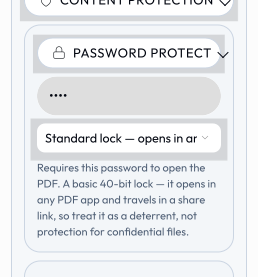
- PDF open-password - Standard is a 40-bit RC4 deterrent (opens anywhere, may travel in a link); Strong is AES-256 (PDF 2.0), typed at export and never put in a link.
- Locked downloads - a ZIP, a Projects folder, or a batch run can be locked whole: Standard ZipCrypto (weak, universal) or Strong AES-256 (WinZip AE-2). Defence-in-depth: any PDF inside a Strong zip is also individually AES-256-locked, so it stays locked after unpacking.
- Password-gated share links - the whole link state is AES-256-encrypted under a PBKDF2-derived key; only ciphertext travels, the password is never in the link, and decryption happens in the recipient's browser.
Air-gap ready
Air-gap is a first-class deployment, not a special mode - Lolly runs with no network at render time out of the box. The web shell is an offline-first PWA (service worker); fonts and WASM are stored on-device; tool state is persisted locally through the host bridge, never localStorage. Any tool that reaches the network does so only through an allowlisted host.net capability it must declare in its manifest - a shell that can't (or won't) fulfil it stubs it out. Ship the shells to devices through your MDM, or serve one instance inside your network, and a fully air-gapped install renders, exports, encrypts, and verifies credentials with nothing to phone home to.
Good to know
A few things worth having straight before you roll it out:
- Hardening in progress. The cryptography and parsers are going through SUSE's enterprise-scale hardening (see above) - strong by design today; deploy as defence-in-depth where a contract calls for certified assurance.
- *Tool hooks are not a security sandbox. A tool's optional
hooks.jsruns with the host bridge injected, but in a browser shell it executes in the page's realm and can* reachwindow/document/fetch. Treat tool code the way you treat any code you run - review it. This is why an org that runs a shared catalog can gate it through Git review; either way, run only tools you've reviewed until Worker isolation ships. - Content Credentials are tamper-evident. They detect alteration rather than prevent it - see the interoperability notes above.
- Two encryption tiers. Standard locks are quick, universal deterrents; Strong (AES-256) is full protection - reach for Strong for anything sensitive, noting it wants a modern reader.
Where to go next
- Security & Verification - the standards, primitives, trust model, and testing behind the credentials and encryption above.
- Adoption & Governance - personas, the deflection metric, and governance-as-data in full.
- Deployment - deploy/serve/hybrid, MDM, and self-hosting the services.
- Configuration - profiles, brand packs, capability gating, and feature flags.
- Privacy Policy - the formal "collects nothing, uploads nothing" statement.